Coding · Robotics · AI · Engineering · Digital Arts · Math
A complete, progressive STEAM pathway for ages 5–15 — built on hands-on projects and clear, measurable learning outcomes. Organised into three age groups so every child learns at the right level.
The STEMA Curriculum
Our STEAM program runs across 8 progressive levels, grouped into three age stages. Students master each level before advancing, exploring Coding & AI, Robotics & Engineering and Digital Arts — with AI and vibe coding woven throughout, and math and science built into every project.
From ScratchJr and block coding to Python and JavaScript — plus AI literacy and vibe coding, so kids learn to build with AI and understand what they ship.
Design, build and program robots and machines — from first builders to sensor robots, competition VEX and drones — applying math and science to real challenges.
3D design, animation and digital media — Makers Empire, TinkerCAD, Blender and VR — turning ideas into real, shareable creations.
Vibe coding is building software with an AI assistant: your child describes the game or app they want in plain words, the AI drafts the code, and then they read it, test it, fix it and make it their own. It's the way modern software is built — and we teach it so kids stay in charge of the technology.
How kids learn it at STEMA
Introduced with Creative Builders (8–11) and deepened with Future Innovators (12–15), who combine vibe coding with hand-written Python and JavaScript.
A Path for Every Age
A playful introduction to coding, robots and making — through block-and-icon coding, simple builds and digital art.
Where ideas become working projects — real coding, sensor robots, and their first AI and vibe coding.
Real builders who ship products — hand-written code, AI they can apply, robotics and 3D design.
Ages 5–7 · Levels 1–2
Our youngest learners meet technology through play — snapping code blocks, building little robots, making circuits light up and bringing their own characters to life.
What your child will be able to do
Give step-by-step instructions to a robot or screen character to finish a task — and fix the steps when it doesn't work.
Name the smart devices, robots and AI around them and explain, in simple words, what each one does to help people.
Build and test simple machines and structures, and describe what they changed to make them work better.
Create digital art and stories with drawing and animation tools to share their own ideas, characters and feelings.
Use patterns, counting, shapes and observation to sort, predict and solve hands-on problems — and keep trying.
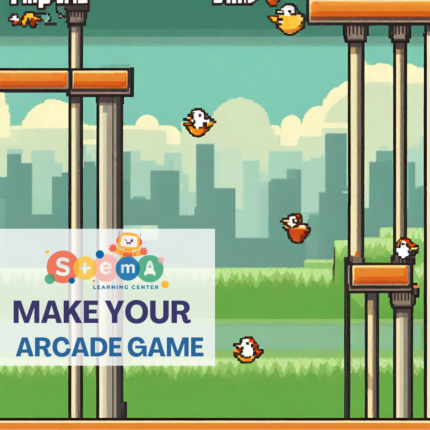
Snap visual blocks to make animated stories and simple games — their very first code.
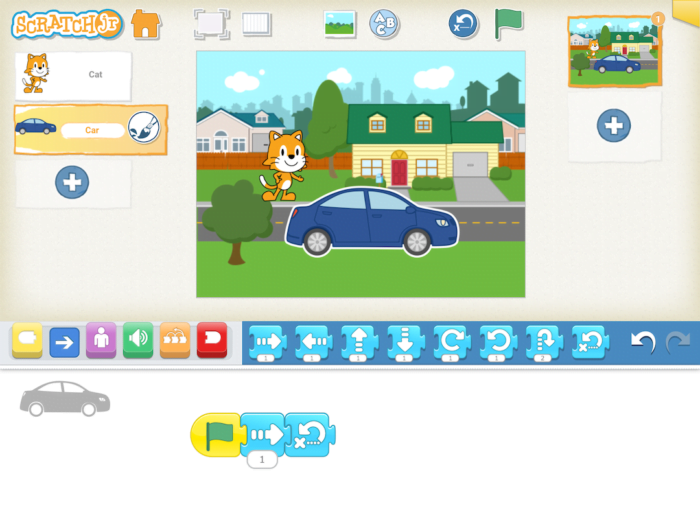
Build and drive first robots, learning direction, speed and step-by-step sequencing.
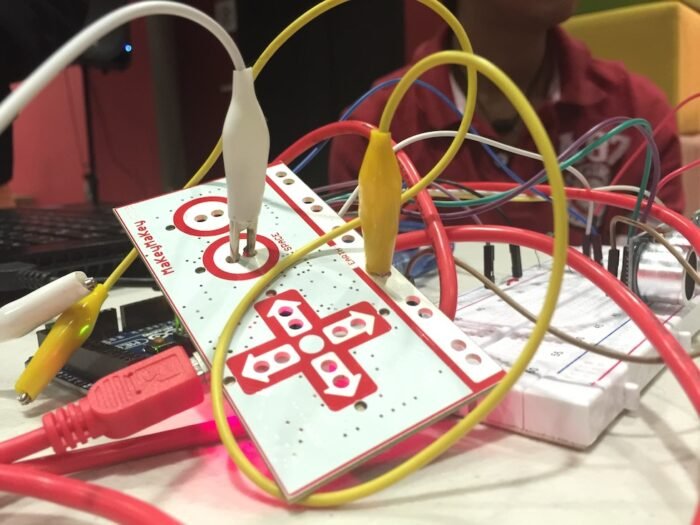
Turn everyday objects into touchpads to create playful, interactive inventions.
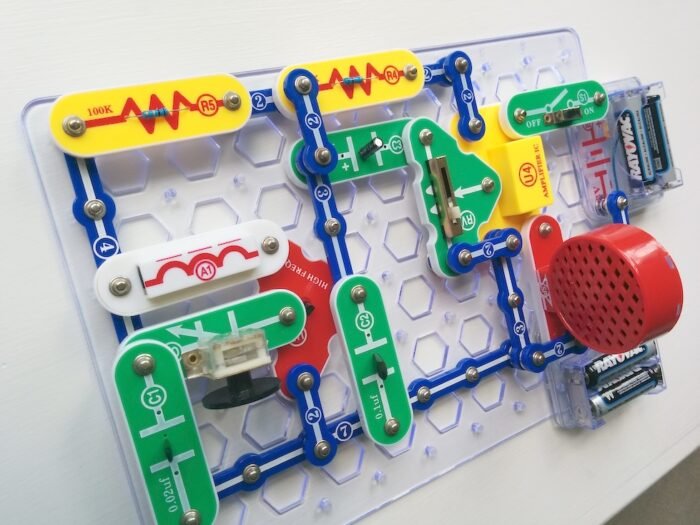
Build simple snap-circuits and discover how electricity powers lights, motors and sound.
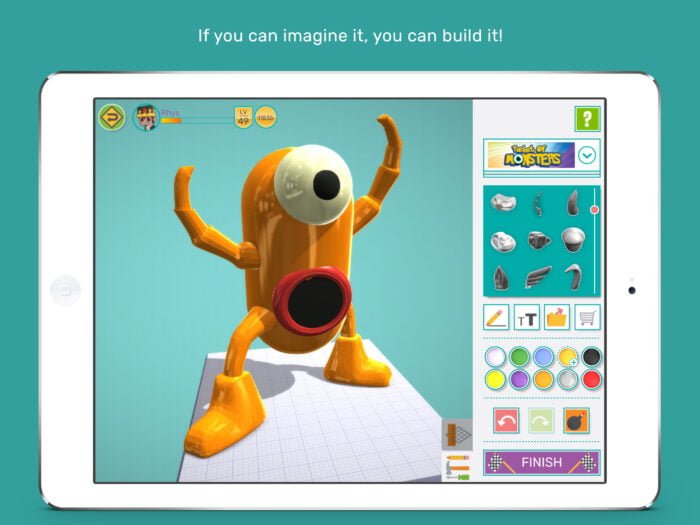
Design in 3D and make digital art that blends science, creativity and imagination.
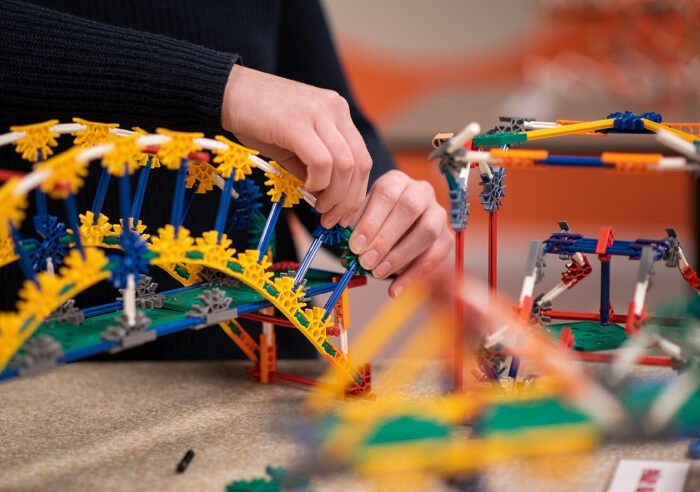
Build structures and motorised machines — a hands-on first taste of engineering.
Ages 8–11 · Levels 3–5
Kids move from playing with code to building with it — designing games, programming robots that sense the world, and creating their first apps and AI projects through vibe coding.
What your child will be able to do
Design and code interactive programs in block-based languages, using loops, conditions and events to solve a problem.
Build and program robots with sensors that respond to their environment, and connect them to real-world uses.
Create apps and games through vibe coding — testing and refining the AI's output, knowing AI can be wrong, and using digital tools safely and privately.
Ask, imagine, plan, create, test and improve — using measurement and data to judge the results.
Produce original digital media that blends art and technology to communicate an idea or explain a science or math concept.
Design original games with loops, variables and events in Scratch and MakeCode Arcade.
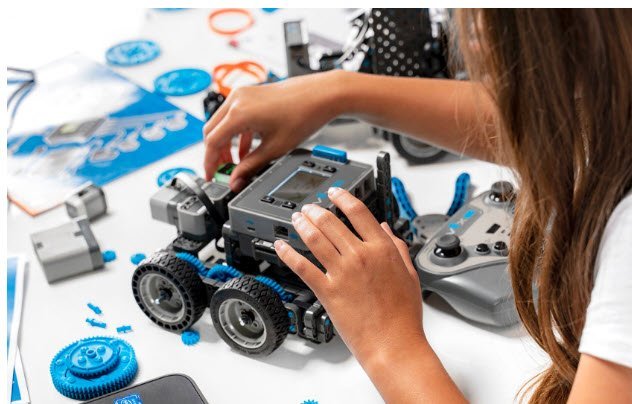
Build and code robots with sensors that react to their surroundings — like real machines.
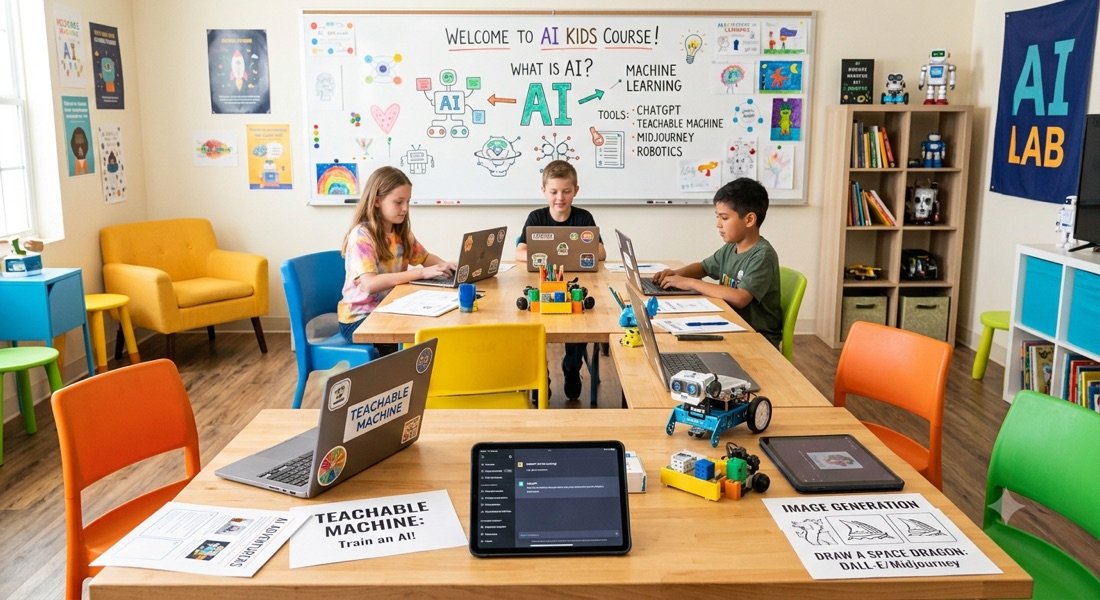
Train simple AI, then build apps and games by vibe coding — testing and checking the AI's output.
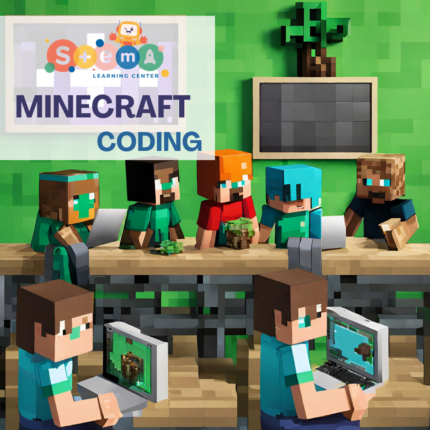
Code the Agent inside Minecraft to learn programming logic and explore science topics.
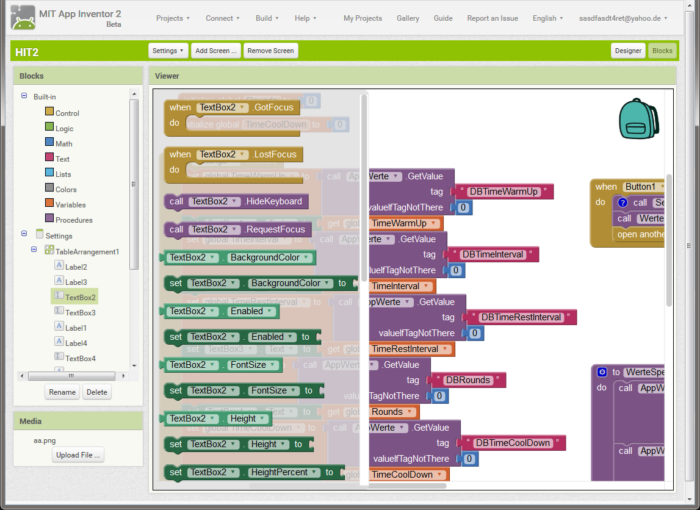
Build working mobile apps with blocks and run them live on a phone or tablet.
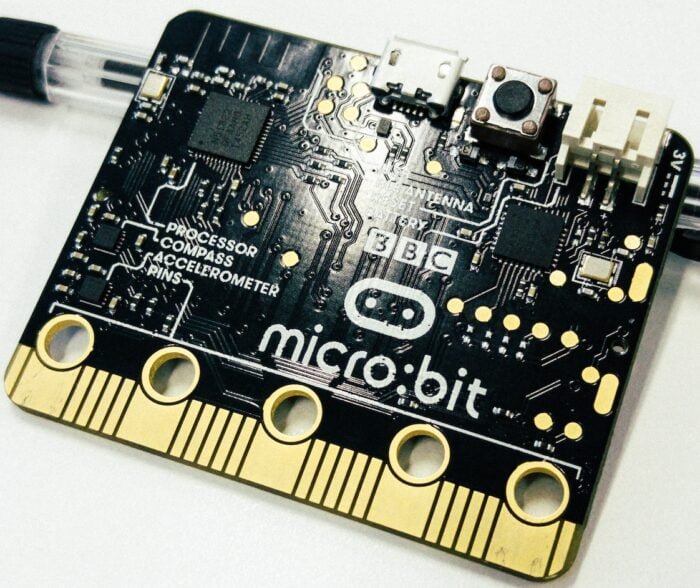
Program micro:bit sensors and build 3D designs in TinkerCAD for real, printable objects.
Ages 12–15 · Levels 6–8
Our oldest students become real builders — writing their own Python and JavaScript, combining it with vibe coding, training AI models, and designing robots, games and 3D products that solve real problems.
What your child will be able to do
Build working applications by combining hand-written code (e.g. Python) with vibe coding — and explain every part of what they ship.
Train simple models and use generative AI, while evaluating outputs for accuracy, bias, privacy and ethics.
Design, prototype and refine a robot, game, 3D model or virtual space that addresses a real need — integrating code with mechanical or visual design.
Analyze real data, form hypotheses, run experiments or simulations, and present evidence-based conclusions.
Learn unfamiliar tools independently, collaborate on team projects, and reflect on how emerging tech shapes careers and society.
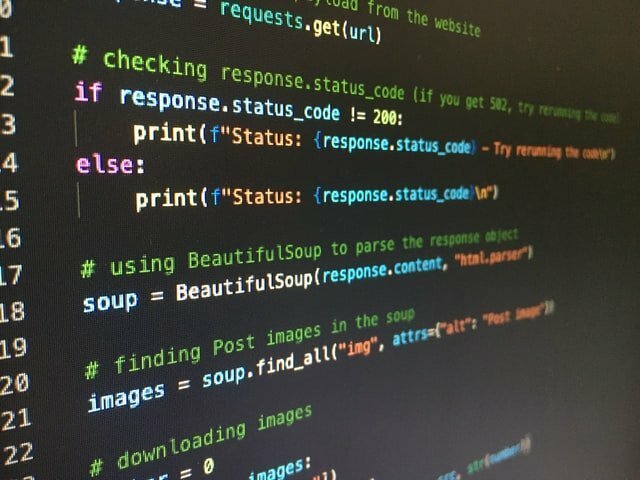
Step up to real text-based languages and build apps, games and web pages — with vibe coding alongside.
Train models and use generative AI — while judging outputs for accuracy, bias, privacy and ethics.
Design, build and program advanced robots for real engineering challenges and competitions.
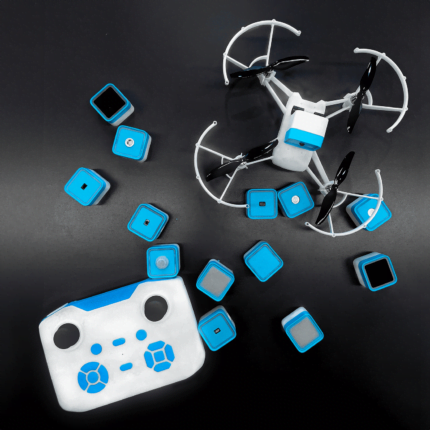
Program drones and automated systems — bringing code into the physical world.
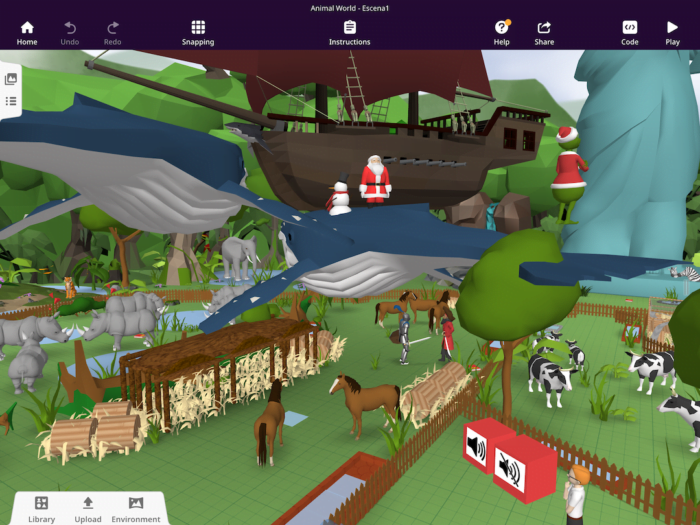
Model in Blender and build immersive virtual-reality experiences.
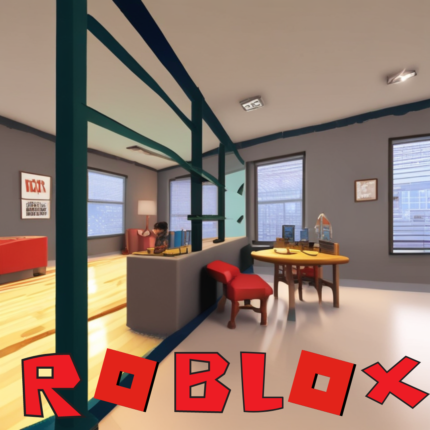
Design and script original 3D games and worlds in Godot and Roblox Studio.
Beyond the Classroom
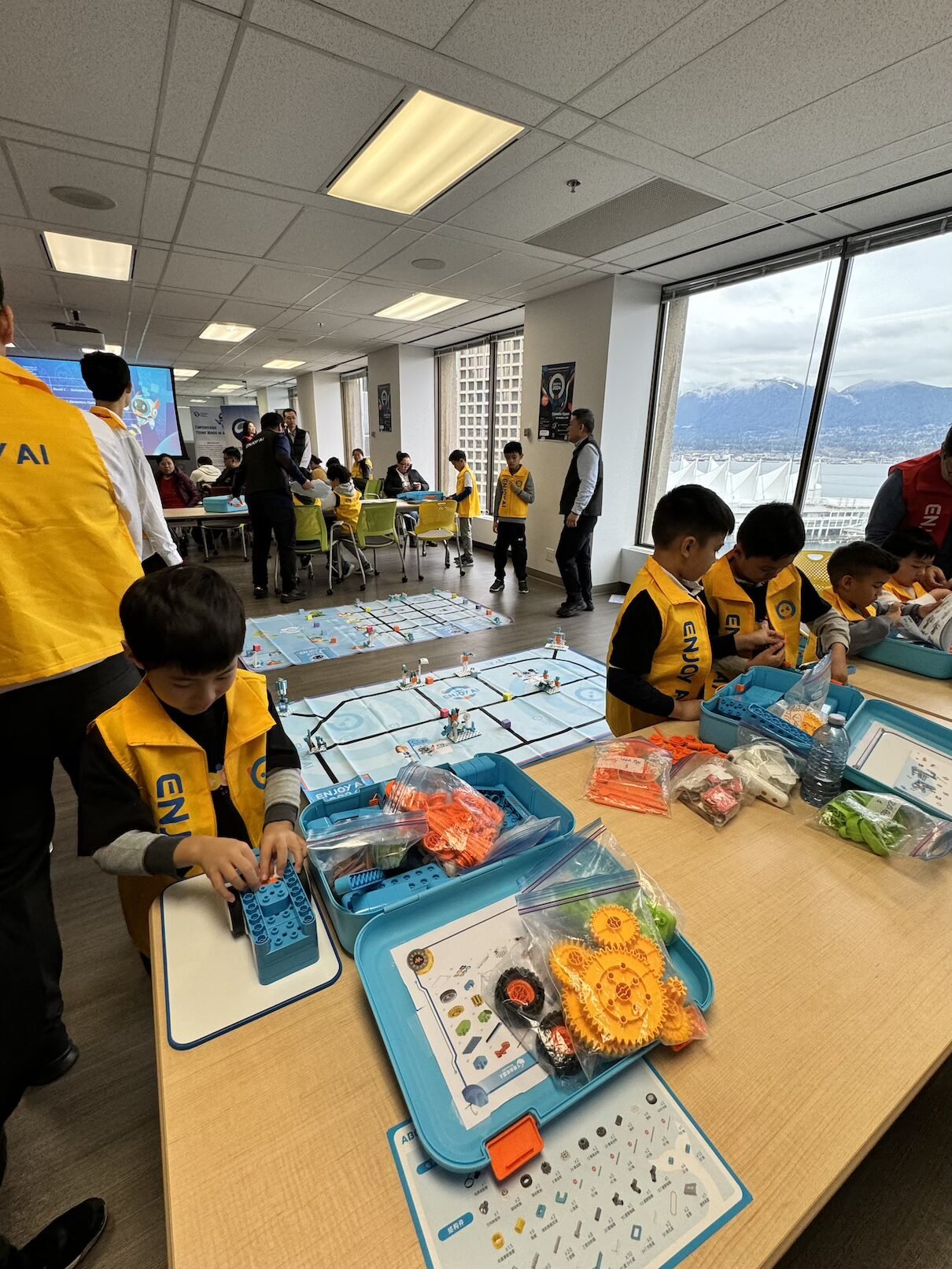
Spring, summer and winter camps with weekly themes — half- or full-day, plus Pro-D day programs.
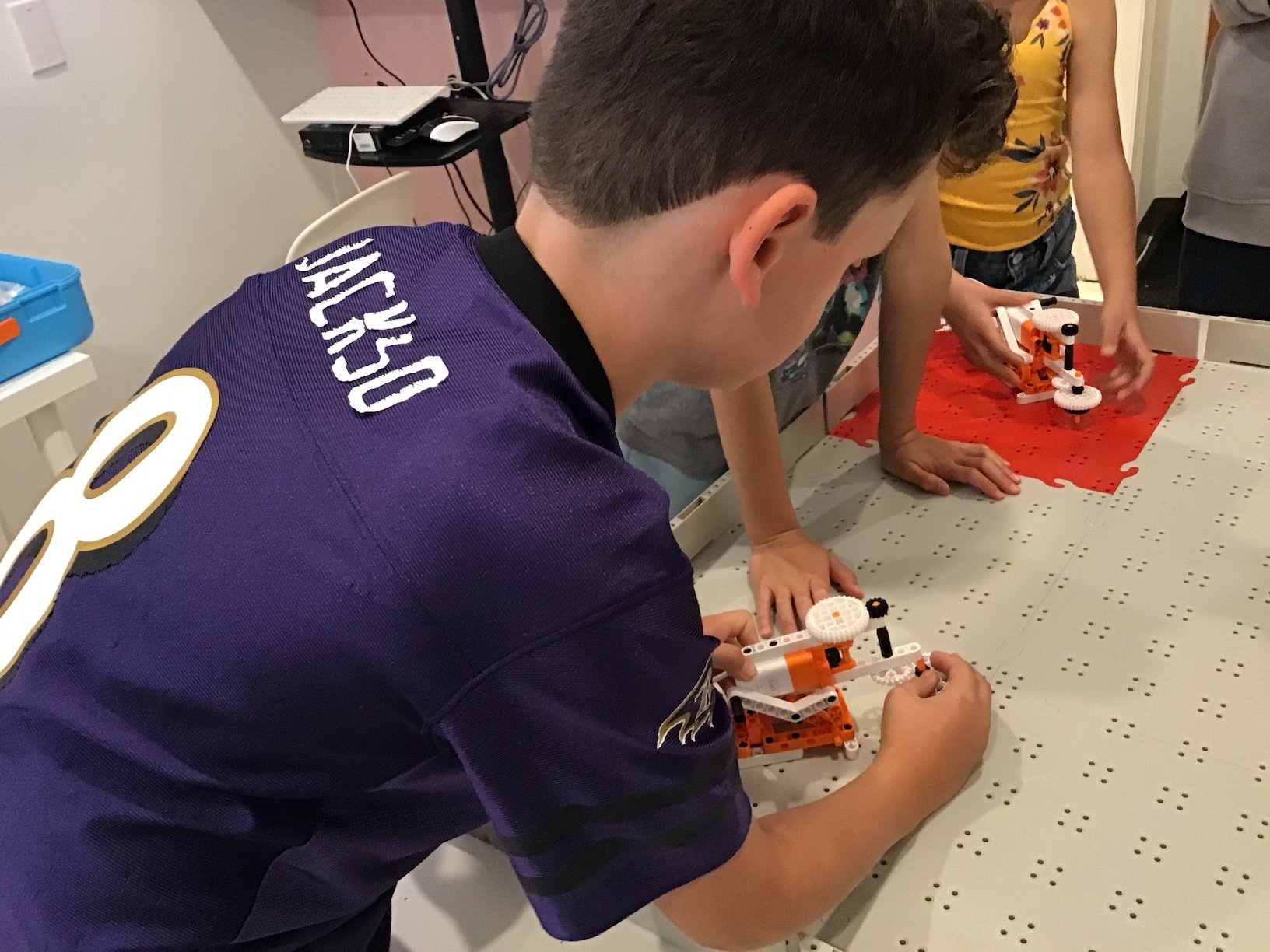
Personalized tutoring that supports foundational skills alongside STEAM learning.
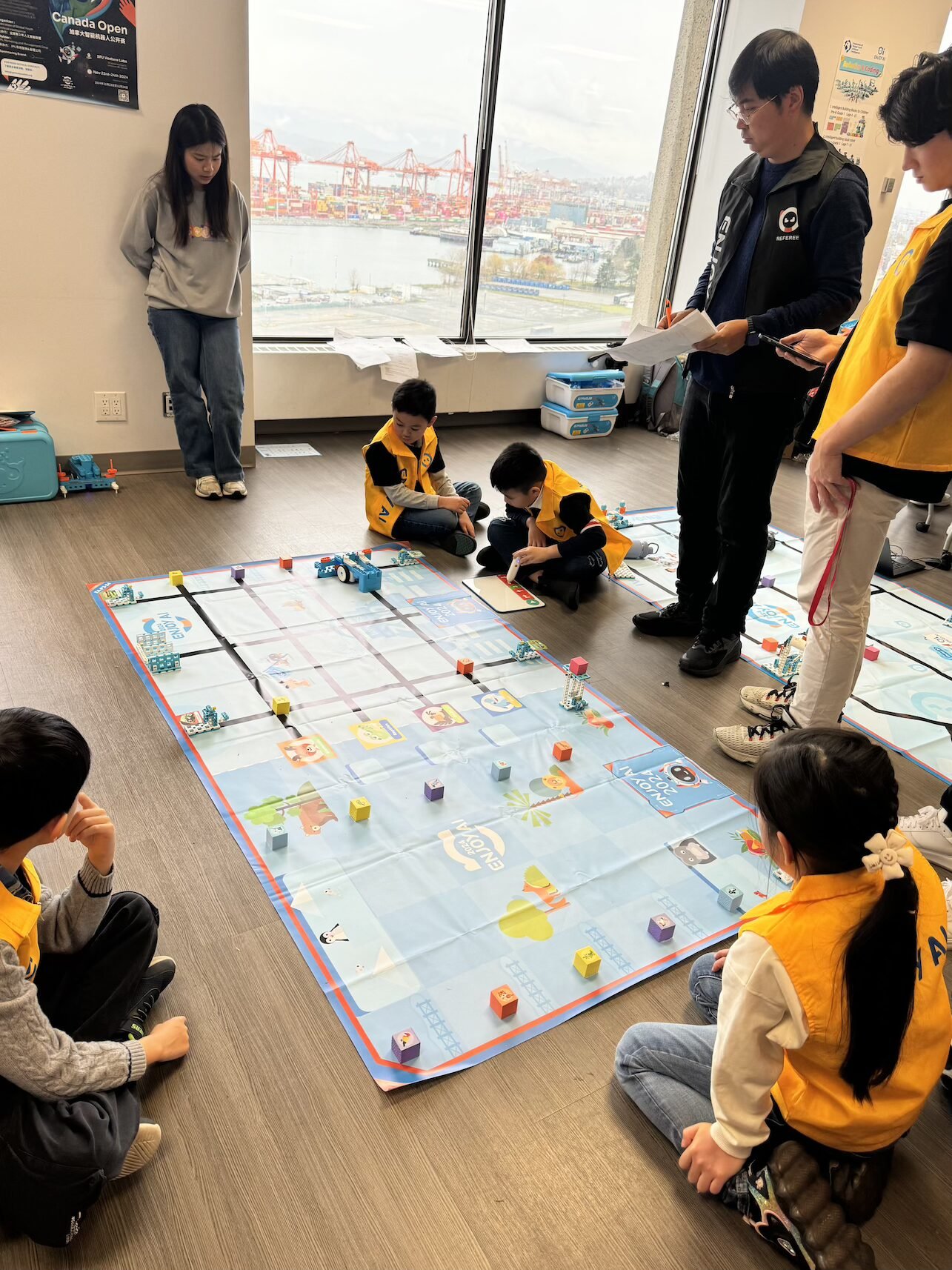
After-school programs in partnership with schools across Greater Vancouver, with pickup options.
Book a free trial class and our team will place your child at the right level — no commitment, just a fun first project.